Gaming Account Security: How to Create Strong Passwords That Actually Hold
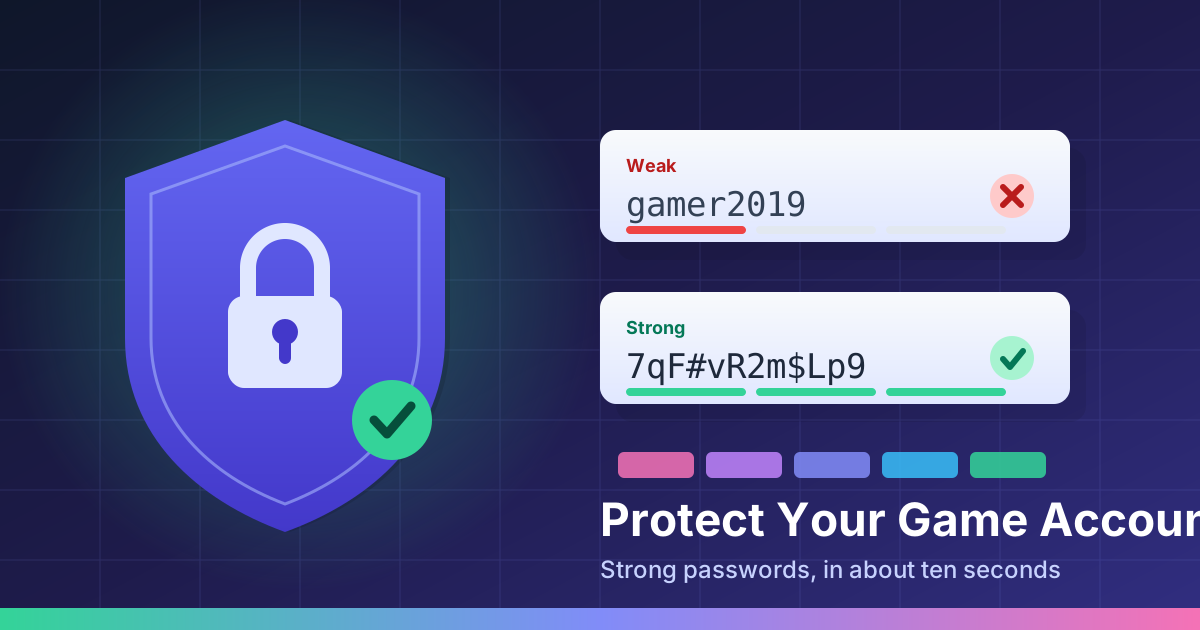
Gaming accounts are a strange kind of valuable. There is no bank balance in them, but there might be a decade of progress, a library of purchases, a rare skin, and a card on file. That combination makes them a genuinely attractive target — and the passwords protecting them are very often the same six-year-old password the owner uses everywhere else.
This guide covers what actually makes a password strong, the one habit that matters more than all the others, and how to get a solid password in about ten seconds without trying to invent one yourself.
How game accounts really get taken over
Almost nobody gets hacked by someone sitting down and guessing their password. The two common routes are much more boring:
- Credential stuffing. Some unrelated site you signed up for years ago gets breached. Your email and password end up on a list. Attackers then feed that list into every major gaming platform automatically. If you reused the password, you lose the account — and you never did anything wrong on the gaming platform itself.
- Phishing. A message about free currency, a trade offer, or a "suspicious login" warning sends you to a login page that looks right and isn't. You type the password in yourself.
Notice that a stronger password only fully solves the first one. That is still worth doing, because credential stuffing is by far the more common of the two.
What actually makes a password strong
Most people optimize the wrong thing. Swapping an a for an @ and sticking a 1! on the end does almost nothing — cracking tools have known those substitutions for twenty years. Two things genuinely matter:
Length. Every character you add multiplies the work required to crack it. Going from 8 characters to 16 is not twice as hard, it is astronomically harder. If you only change one thing, make your passwords longer.
Unpredictability. A password has to be unguessable, not just unmemorable-looking. Zelda2011! looks messy but is built from a game title and a year, which is exactly the pattern guessing tools try first. Genuine randomness is the point, and humans are famously bad at producing it.
Put together, the target is simple: 16+ characters, randomly generated, unique to each account.
Stop inventing passwords — generate them
Since the goal is randomness, the sensible move is to let a tool do it. A password generator like onepassword.net creates a random string on demand and lets you set the length and which character types to include — uppercase, lowercase, numbers, symbols. You pick 16 characters or more, copy the result, and paste it straight into the account you are securing. It takes about as long as reading this paragraph.
Two small habits make generated passwords much more practical:
- Generate it at the moment you need it, right on the change-password screen. Copy, paste, save, done — the password never has to live in your head or in a notes app in between.
- Turn off symbols for accounts that reject them. Plenty of game launchers and consoles are picky about special characters. A longer letters-and-numbers password is a perfectly good trade for one that the site actually accepts.
One caution worth repeating: only generate passwords on a site served over HTTPS, and never paste a password you are actually using into a random "check your password strength" box. If you want to test the concept, test a throwaway string.
Remembering them is the other half
Random passwords are useless if you cannot get back into your account. You have three reasonable options, and any of them beats reuse:
- Your browser or phone's built-in password saving. Free, already installed, and syncs across devices. This is the right answer for most people.
- A dedicated password manager. More features and better sharing if you want them.
- Paper. Genuinely fine for a handful of accounts, as long as the paper lives somewhere sensible. Your attacker is a script on the other side of the world, not someone in your kitchen drawer.
The one password you do have to memorize is the one guarding the others. For that, string together four or five unrelated words — long, memorable, and nothing like a name plus a birth year.
Three things worth more than a perfect password
- Turn on two-factor authentication for every gaming account that offers it. Even a leaked password usually cannot get past it. This is the highest-value five minutes in this entire article.
- Fix your email account first. Whoever controls your email can reset every other password you own. It deserves your longest password and your strongest 2FA.
- Never log in from a link. Type the platform's address yourself or use a bookmark. That single habit defeats nearly all phishing.
The upside of games that need no account at all
Worth pointing out: a lot of gaming does not require handing over credentials in the first place. Every game on this site — including Brick Breaker and Block Breaker — loads straight in your browser with no signup, no login, and nothing stored about you. There is no account to compromise, which is one of the quiet pleasures of instant-play games. Save your security effort for the accounts that actually hold something.
Frequently asked questions
How long should a gaming account password be?
Aim for at least 16 characters. Length matters far more than complexity — a long random password is dramatically harder to crack than a short one padded with symbols.
Is it safe to use a browser-based password generator?
It is, as long as the generator runs in your browser and does not send the password anywhere. Check that the site uses HTTPS, and never paste a password you actually use into a third-party site to "test" its strength.
Do I need a different password for every game account?
Yes, and this is the single most important habit in this article. Most account takeovers come from credential stuffing — attackers take passwords leaked from one breached site and try them everywhere else. A unique password per account stops that cold.
Should free browser games have a password at all?
Most do not need one. Games you can play instantly without signing up have nothing to steal. Save the effort for accounts holding purchases, inventory, or payment details.
Ten minutes, once
Pick your two most valuable accounts — your email and whichever gaming platform holds your purchases. Generate a fresh 16-character password for each with onepassword.net, save them somewhere you trust, and switch on two-factor authentication. That is the whole job, and it is the last time you will need to think about it.
Then go do something more fun with your evening — the full game library is right here, and none of it will ask you to log in.