Brick Breaker Retro
Loading Brick Breaker Retro...
Please wait while the game loads
What is Brick Breaker Retro?
Brick Breaker Retro is a free browser arcade game in which you drag a white bar along the bottom of a tall screen, keep a ball bouncing, and chew through a field of hundreds of tiny bricks arranged like a pixel-art picture. It has a ladder of locked levels, three hearts for lives and a star rating for each level you finish.
What sets it apart is the scale of the wall. Most brick breakers give you a few dozen large bricks; level 1 of Brick Breaker Retro is a dense green grid of very small squares that fills the upper half of the screen, with dark channels cut through it. It looks more like a low-resolution picture than a wall, and clearing it is a matter of wearing areas away, not picking off single targets.
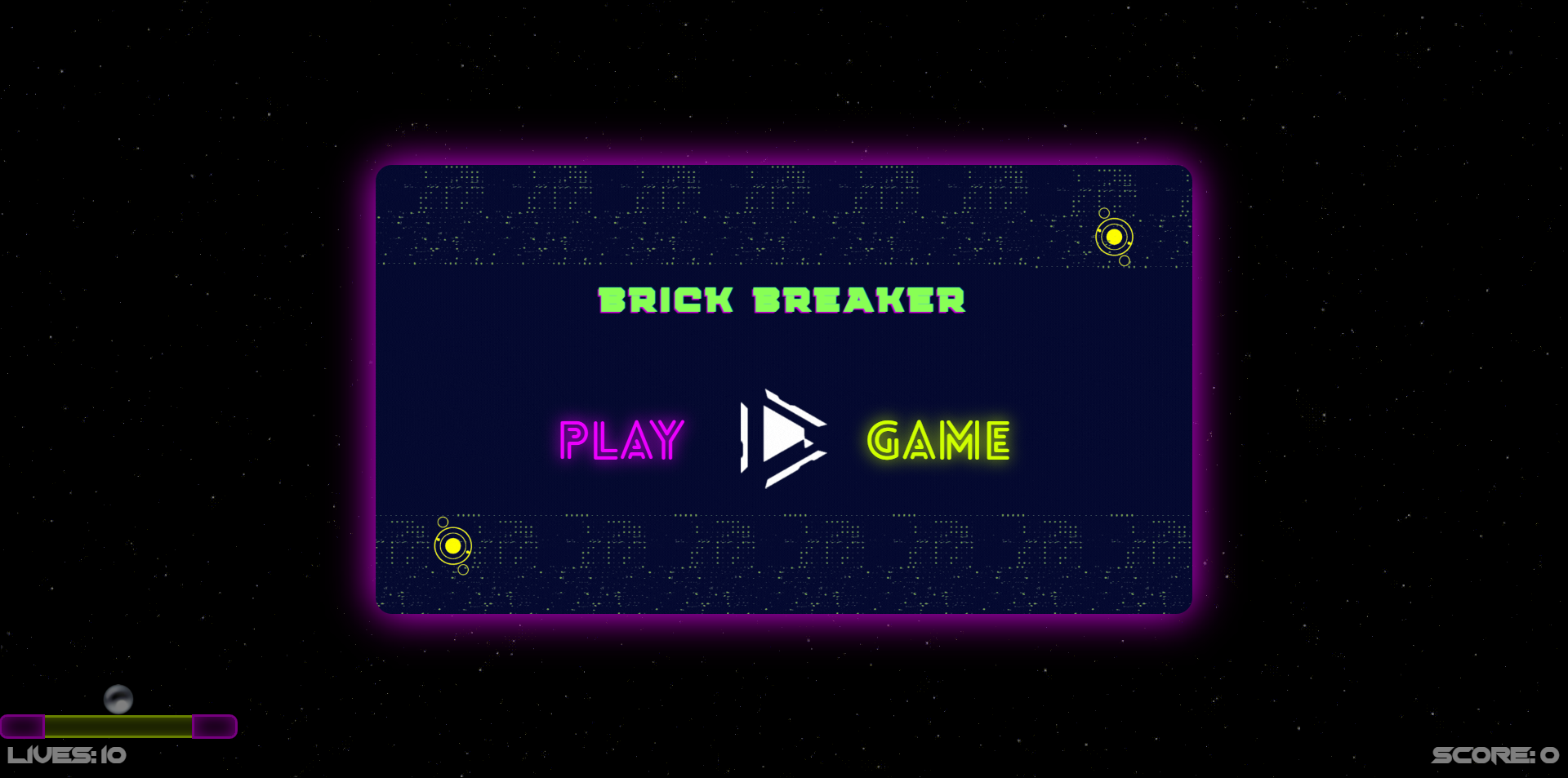
The game opens on a splash for its publisher, Best Game Spot, then a title screen in chunky pink, yellow and cyan lettering with a Play button and a sound toggle. Play leads to a Levels screen: fifteen tiles to a page, each with three empty stars, the first open and the rest padlocked. Two dots and an arrow at the bottom show that there is more than one page.
Brick Breaker Retro was added to the GamePix catalogue in October 2022 and is built for a 600×800 portrait screen. It teaches its single control in one line — click and drag to move the bar — and then leaves you to it.
How to play Brick Breaker Retro
- 01
Press PLAY, then Play
The publisher splash has a yellow PLAY button and the title screen has a blue Play button. The second one opens the Levels screen.
- 02
Choose level 1
Tap the tile marked 1, the only one without a padlock. Its three stars are empty until you complete it.
- 03
Read the one-line tutorial
The level opens dimmed with the message Click and drag to move the bar. Tap to continue, or use the Skip button in the corner.
- 04
Drag the bar
Hold and slide left or right to move the white bar along the bottom. The ball starts just above it.
- 05
Carve through the grid
Send the ball up into the green field. The gaps already cut into the pattern give it routes deeper into the grid.
- 06
Guard your three hearts
Three red hearts in the top-left corner are your lives. Keep the ball above the bar to keep them, and clear the field to finish the level.
Controls
The tutorial gives the whole scheme: click and drag to move the bar. On desktop, hold the mouse button and slide; on a phone or tablet, hold a finger on the screen and slide. There are no keyboard controls. Two round buttons in the top-right corner of a level restart it and open the settings, a Skip button in the bottom corner dismisses the tutorial, and the title screen has a speaker button for sound.
Objective
Clear the brick field on each level without running out of hearts. The heads-up display shows three hearts and the level number, and every level tile carries three stars to be earned. The padlocks on the later tiles show that they open as you progress. With fifteen tiles on the first page alone, Brick Breaker Retro is a game you work through over several sittings.
Game modes & features
The game is a level ladder. The Levels screen shows fifteen tiles per page in a grid of three by five, with a page indicator beneath. In a level you see hearts for lives, a level label, restart and settings buttons, and a small portrait of a crowned character under the hearts. The brick field on level 1 is a fine green grid with a shape cut out of it. The catalogue listing says power-ups fall to be caught as blocks break.
Why play Brick Breaker Retro?
Play it for the feeling of demolition. Because the bricks are so small and so many, the field in Brick Breaker Retro is there to be worn away like a picture being rubbed out, which is a different pleasure from picking off a few large bricks one at a time. The level ladder and the star ratings give it staying power, and the portrait layout suits a phone.
Brick Breaker Retro tips
Keep your finger down
The bar moves while you drag. Lifting your finger or releasing the mouse button between returns means starting the drag again, which costs time you may not have.
Use the dark channels
Level 1 has gaps cut into the green grid. A ball sent up a gap reaches the top of the field quickly and begins clearing from the inside.
Watch the ball, not the wall
The field is busy to look at. Keep your eyes on the small white ball, particularly on its way down, and let the wall take care of itself.
Skip the tutorial on a replay
The Skip button in the bottom-right corner removes the instruction overlay. Use it once you know the control so that you start each attempt sooner.
Aim for long diagonal passes
A ball travelling diagonally meets more of the grid than one going straight up and down. Favour returns that send it off at an angle, and watch how much each pass removes.
Get the ball behind the field
Once a lane reaches the top, a ball that gets above the grid will bounce around up there and strip it from behind. Build towards that from your first few returns.
Restart a poor opening
The restart button sits in the top-right corner. If you lose a heart in the first few seconds of a level, restarting is quicker than playing on a life down.
Finish the remnants methodically
Small islands of bricks are left at the end of a level. Position the bar directly beneath one and meet the ball with the middle of the bar to send it straight up.
What makes Brick Breaker Retro special
Brick Breaker Retro earns its name through its look, not its age. The fine grid of bricks reads like a low-resolution image from an early computer screen, and the blocky three-colour logo belongs on the side of an arcade cabinet. It is a game that enjoys its own style.
The many-small-bricks idea changes the rhythm of play. There is less aiming at individual targets and more steering the ball through regions of the wall, and with this many bricks there is always a great deal of wall left to go at. It gives a level a sense of scale that a few dozen blocks cannot.
It is the long-haul paddle game on this site. The classic Brick Breaker on our home page and Brick Breaker Blitz are quicker and simpler; Brick Breaker Retro gives you a ladder of levels to climb and stars to collect on the way. Toy Space Bricks Breaker offers a similar sense of progress with a map of stages, and Brick Breaker Classic Arcade Fun is another portrait paddle game in the same spirit.
Brick Breaker Retro features
Hundreds of tiny bricks
Level 1 is a dense green grid with channels cut through it, not a few large blocks.
Level ladder
Fifteen tiles per page on the Levels screen, unlocked one at a time.
Three stars per level
Every level tile shows three stars to be earned.
Three hearts
Lives are shown as red hearts in the top-left corner of each level.
Click-and-drag bar
One control: hold and slide to move the bar along the bottom.
Restart button
A round button in the top-right corner restarts the current level.
Brick Breaker Retro FAQ
QHow do you control Brick Breaker Retro?
Click and drag to move the bar. That is the wording of the in-game tutorial. Hold the mouse button or a finger down and slide left or right, and the white bar at the bottom of the screen follows. There are no keyboard controls.
QHow many lives do you have in Brick Breaker Retro?
Three. They are shown as three red hearts in the top-left corner of the level, above a small portrait of a crowned character. The level number is displayed beside them at the top of the screen.
QHow many levels does Brick Breaker Retro have?
The Levels screen shows fifteen tiles on its first page, in three columns of five, and a two-dot page indicator with an arrow to the next page. Only level 1 is open at the start; the others carry padlocks until the level before is completed.
QWho made Brick Breaker Retro?
The game opens with a splash screen for Best Game Spot, which appears before the title. It was published to the GamePix catalogue in October 2022 and is an HTML5 game for a 600×800 portrait screen.
QWhy are the bricks so small in Brick Breaker Retro?
It is the design of the game. Level 1 is a fine grid of small green squares with gaps cut into it, more like a pixel picture than a wall. We did not play far enough to time a full clearance, but the layout is plainly built to be worn away in areas.
QIs Brick Breaker Retro the same as Arkanoid?
No, though it borrows from it. Taito released Arkanoid in arcades in 1986 and introduced stages with different brick layouts and falling power-up capsules. Brick Breaker Retro is an independent browser game with its own levels, hearts and star ratings.
QIs Brick Breaker Retro a portrait game?
Yes. It is built at 600×800, taller than it is wide, with the brick field in the upper half and the bar at the bottom. It fits an upright phone, and on a desktop it appears as a centred column.
QWhat games are similar to Brick Breaker Retro?
Toy Space Bricks Breaker has a stage map and star ratings, Brick Frenzy offers nine short levels with on-screen buttons, and Brick Breaker Classic Arcade Fun is a portrait paddle game with power-ups. The classic Brick Breaker on our home page is the simplest way in.
Ready to play Brick Breaker Retro?
Press Play, open level 1, and start carving your way through the grid in Brick Breaker Retro.
Play Brick Breaker Retro — It's Free