Pong with Powers
Loading Pong with Powers...
Please wait while the game loads
What is Pong with Powers?
Pong with Powers is a free browser Pong game with one twist: a box marked with a question mark sits on the court, and what happens when the ball finds it can change the rally. You move the blue paddle on the left, an orange paddle on the right plays against you, and each miss adds a point to the other side of a large scoreboard.
The look is pared back even by Pong standards. The court is plain black. Both paddles are thin outlined rectangles, the ball is a small outlined square, and the score is drawn in chunky pixel numerals at the top of the screen with a dash between them. Above the score a small label reads Speed, followed by a multiplier such as 1x or 1.25x.
That label is the second thing Pong with Powers adds. The pace of the ball is not fixed, and the label tells you what it currently is. In our sessions it moved between 1x and 1.25x from one rally to the next, which is enough of a difference to catch you moving late. A line of text along the bottom adds the third: press SPACE to freeze the game.
The game was published to the GamePix catalogue in February 2025 and runs in a landscape 800×600 frame. Like all good Pong games it starts at once and is over quickly, and the mystery box gives each rally a small element of chance that the plain version does not have.
How to play Pong with Powers
- 01
Find your paddle
You are the blue paddle on the left edge of the court. The orange paddle on the right moved without any input from us, so treat it as your opponent.
- 02
Move with either set of keys
Both W and S and the Up and Down arrow keys moved the blue paddle in our test. Use whichever pair is more comfortable.
- 03
Return the square
The ball is a small outlined square. Get your paddle in its path to send it back towards the orange side.
- 04
Watch the question-mark box
A box marked ? sits in the court, to the right of centre in our sessions. It is the power-up the game is named for, and the ball has to reach it.
- 05
Check the Speed label
The multiplier above the score shows how fast the ball is currently travelling. Glance at it after each point so that a quicker rally does not surprise you.
- 06
Freeze with Space
The prompt at the bottom of the court says to press SPACE to freeze the game. Use it when you need a moment, then carry on.
Controls
Pong with Powers is a keyboard game. The blue paddle moves up with W or the Up arrow and down with S or the Down arrow; in our test both pairs controlled the same paddle. The space bar freezes the game, as the on-screen prompt says. There are no mouse controls during play and we saw no touch buttons, so a desktop or laptop is the practical way to play.
Objective
Get the ball past the orange paddle more often than it gets past yours. The scoreboard at the top shows your points on the left and your opponent's on the right — in one of our sessions it reached 0–4 while we were busy testing keys rather than defending, which tells you the orange paddle is quite capable of scoring on its own. Pong with Powers does not state a winning total on the court.
Game modes & features
The three features that set Pong with Powers apart are all visible from the first second: the question-mark box on the court, the Speed multiplier above the score, and the freeze on the space bar. The catalogue listing describes the boxes as mystery boosts that can flip a match. The ball also changes colour between blue and orange during play. There is no menu, no mode select and no settings screen.
Why play Pong with Powers?
Play it if plain Pong feels too predictable. The rules are the ones you already know, so there is nothing to learn, but the box on the court means a rally is never quite settled and the changing speed keeps you from playing on autopilot. Pong with Powers is also one of the quickest games on this site to start: the ball is moving as soon as the page has loaded.
Pong with Powers tips
Pick one pair of keys
W and S and the arrow keys both work. Choose one pair and keep your fingers on it, rather than switching between them in the middle of a rally.
Read the Speed label between points
A rally at 1.25x needs you to start moving earlier than one at 1x. Checking the label as each point begins tells you which kind you are in.
Use the freeze to reset
If you have lost track of the ball, press Space. A frozen court gives you time to find the ball, the box and both paddles before play continues.
Stay near the middle
Return your paddle to the centre of the left edge after every hit. From there neither corner is more than half a court away.
Play towards the box
In Pong with Powers the question-mark box sits on the orange side of the court. A return aimed through its position is the way to bring the power-up into the rally on your terms.
Expect the bounce off the long edges
A ball that reaches the top or bottom of the court rebounds at the mirrored angle. Move to where that rebound will arrive, not to the line the ball is on before it.
Make the orange paddle move
Send consecutive returns to opposite corners. The further the orange paddle has to travel between shots, the more likely it is to arrive late.
Be early at higher speed
At 1.25x the ball crosses the court noticeably sooner. Commit to a position as soon as the orange paddle makes contact, not when the ball passes the centre.
What makes Pong with Powers special
Pong with Powers shows how little needs to change to freshen up an old design. One box on the court and a speed that is allowed to vary are small additions, but together they mean that no two rallies run quite the same way, and the game keeps its one-screen simplicity.
The outlined, colour-coded look of Pong with Powers helps. Blue for you, orange for the opponent and a ball that takes on one colour or the other make the state of play easy to read at a glance, and the large pixel scoreboard can be checked without taking your eyes far from the ball.
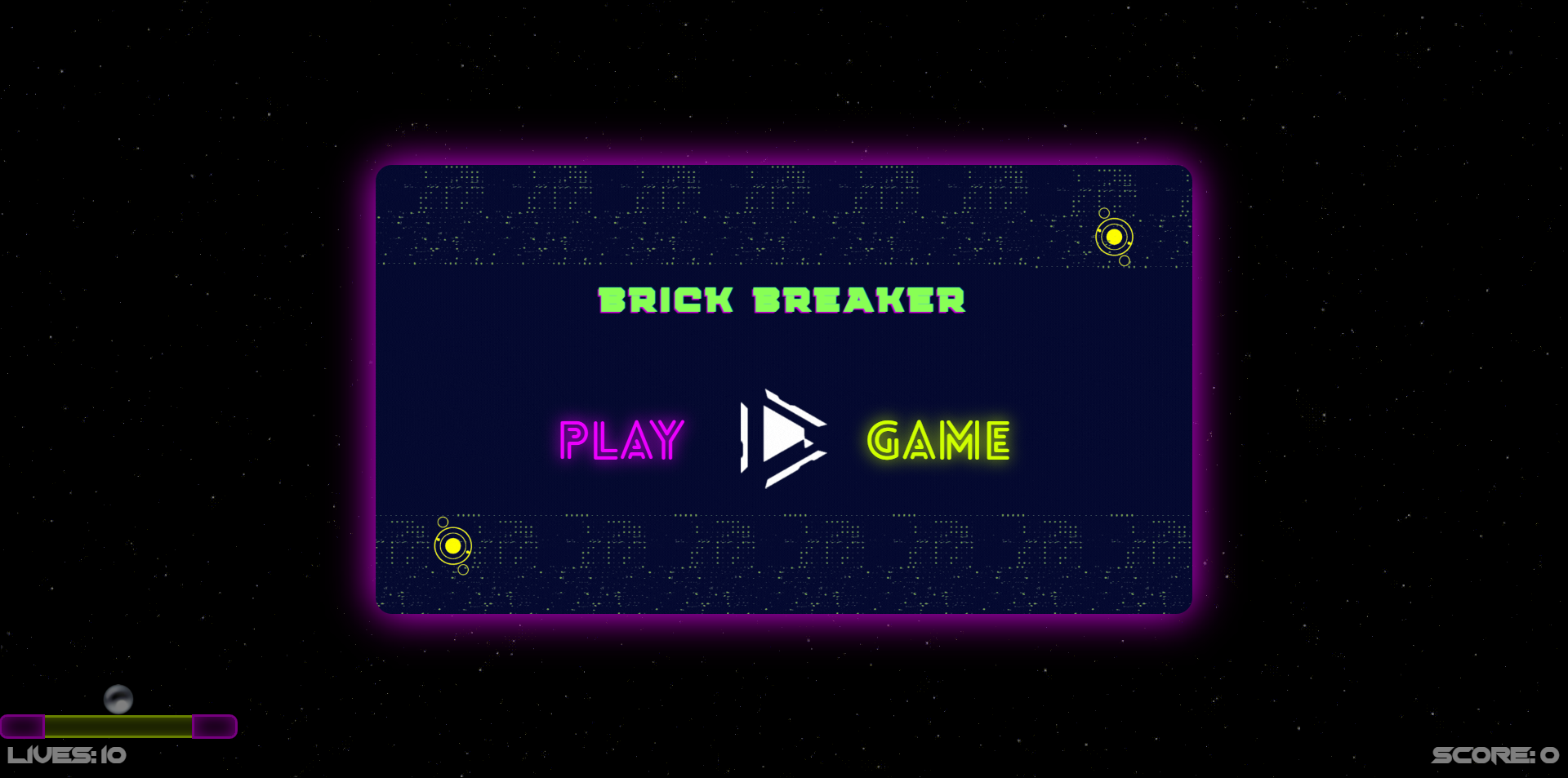
It sits naturally beside the other bat-and-ball games here. The classic Brick Breaker on our home page is what Pong turned into when the second paddle was replaced with a wall, and its falling power-ups are a close relative of the question-mark box. For Pong without the extras there is Pong Game Classic Arcade Fun, which also has a two-player mode, and Medieval Pong offers the same duel in a castle.
Pong with Powers features
Mystery box
A question-mark box on the court is the power-up that gives the game its name.
Speed multiplier
A label above the score shows the current ball speed, such as 1x or 1.25x.
Freeze on Space
An on-screen prompt tells you the space bar freezes the game.
Colour-coded sides
A blue paddle for you, an orange one for the opponent, and a ball that switches between the two.
Two key layouts
W and S or the Up and Down arrows both move the blue paddle.
Pixel scoreboard
Large numerals at the top of the court show both scores with a dash between.
Pong with Powers FAQ
QWhat are the controls in Pong with Powers?
Move the blue paddle up with W or the Up arrow and down with S or the Down arrow. Both pairs of keys controlled the same paddle when we tested them. The space bar freezes the game, as the prompt along the bottom of the court says.
QWhat does the question-mark box do in Pong with Powers?
It is the power-up. The box sits on the court until the ball reaches it, and the catalogue listing describes it as a mystery boost that can turn a match. The game does not say in advance which effect you will get, which is the point of the question mark.
QWhat does the Speed label mean in Pong with Powers?
It shows how fast the ball is currently moving, as a multiplier. We saw it read 1x and 1.25x at different moments in the same session. It is displayed just above the scoreboard, so you can check it between points.
QCan two people play Pong with Powers?
The GamePix catalogue files it under two-player games, but in our test the orange paddle moved on its own and both sets of keys controlled the blue one. For a version where two people definitely share a keyboard, use Pong Game Classic Arcade Fun.
QHow do you pause Pong with Powers?
Press the space bar. The game shows the instruction Press SPACE to freeze the game at the bottom of the court. There is no separate pause button or menu on screen.
QDid the original Pong have power-ups?
No. Atari released Pong in November 1972 with two paddles, a ball and a score. Power-up capsules entered bat-and-ball games in 1986 with Taito's Arkanoid. The original did vary the ball speed, though, accelerating it the longer a rally went on.
QCan you play Pong with Powers on a phone?
It is built for a keyboard. The paddle is moved with keys and the freeze is on the space bar, and we saw no touch controls on the court. The game is also landscape, at 800×600, so a laptop or desktop suits it best.
QWhat games are similar to Pong with Powers?
Pong Game Classic Arcade Fun is the plain version with a two-player mode, and Medieval Pong is a single-player match in a castle hall. For power-ups in a one-player game, try the classic Brick Breaker on our home page or Brick Breaker Retro.
Ready to play Pong with Powers?
Take the blue paddle, keep an eye on the question-mark box, and see how many points you can take in Pong with Powers.
Play Pong with Powers — It's Free